

Keyword ranking tracking records where your pages appear in Google for the search terms that matter to your business, then flags the moment something shifts. Your first move should always be the same: connect Google Search Console and pick a starter set of 20 to 50 priority keywords. From there you can spot traffic drops early and measure whether your SEO changes are actually working.
TL;DR:
- Connecting Google Search Console and tracking 20 to 50 keywords provides early detection of traffic drops and measures SEO success efficiently for small businesses.
- Rank checkers provide instant, one-time position snapshots, while rank trackers log ongoing data, and SERP trackers reveal competitor movements and SERP feature impacts.
- Monitoring position, impressions, and clicks in combination offers better insights into keyword performance than focusing on ranking alone.
- Automated alerts set at a threshold, such as a five-position change, help small teams focus on meaningful ranking shifts without daily manual checks.
- A steep ranking drop sustained over several weeks warrants checking recent website changes, SERP features, and technical health before content adjustments.
Table of Contents
- What’s the difference between a rank checker, rank tracker and SERP tracker?
- Which metrics actually matter for keyword performance analysis?
- How do you set up a keyword ranking tracking routine step by step?
- Why did my rankings drop, and what should I actually do about it?
- How does a small business run affordable keyword tracking?
- What actually matters when you’re watching your rankings move
- Get your tracking set up without hiring an analyst
- Where to check your rankings and read more
- Sources
- FAQ
What’s the difference between a rank checker, rank tracker and SERP tracker?
These three terms get used interchangeably, but they do different jobs, and picking the wrong one wastes time.
A rank checker gives you a one-off snapshot: type in a keyword, get today’s position. It’s quick and usually free, but it doesn’t store history, so you can’t see trends. A rank tracker monitors a fixed list of keywords over time, logging position changes daily or weekly so you build a record. Tools like Ahrefs’ rank checker fall into this category, showing historical positions along with device and country splits. A SERP tracker goes further again, storing a full snapshot of the top 10 results for each keyword every day, not just your own position. That matters because a SERP tracker can show you exactly who overtook you and whether a new ad block or AI overview pushed everyone down the page.
Here’s when to use each one:
- Use a rank checker for a quick gut check before a meeting or pitch.
- Use a rank tracker for ongoing monitoring of your core keyword list.
- Use a SERP tracker when you need to diagnose why a position changed, not just that it did.
Which metrics actually matter for keyword performance analysis?
Position alone tells you almost nothing without context. A keyword sitting at position 6 with rising impressions is a different story to one sitting at position 6 with impressions in free fall.
Track these in order of priority:
- Position and position change — where you rank now versus last week or last month, not just today.
- Impressions — how often your page showed up in search results, a sign of visibility even before clicks happen.
- Clicks and click-through rate — whether people are actually choosing your result over others on the page.
- SERP features present — featured snippets, local packs, or AI overviews sitting above the organic results, which can eat clicks even when your position hasn’t moved.
- Device and location splits — mobile versus desktop, and national versus local, tracked as separate rows rather than blended averages.
For prioritising which keywords deserve this attention, rank them by business value first (do they drive enquiries or sales?) and search intent second (is the searcher ready to buy, or just researching?). A good ranking depends on that intent: aim for top 3 on competitive commercial terms, but first-page presence with a relevant SERP feature can be just as valuable for long-tail conversion queries.
How do you set up a keyword ranking tracking routine step by step?
You don’t need an enterprise budget to run this properly. You need four steps and about an hour a week.
- Connect Google Search Console to your site if you haven’t already, then export your top-performing and highest-opportunity queries. Search Console is the primary free source for internal performance data, showing impressions, clicks and average position, though it stops short of competitor benchmarking or daily SERP snapshots.
- Build a starter keyword set of 20 to 50 terms. This is a practical ceiling for small businesses. Too few and you miss trends; too many and nobody reviews the report. Set location and device parameters if your site serves more than one city or region.
- Choose your cadence. Daily tracking suits your core commercial keywords, where a drop costs you real enquiries. Weekly is plenty for long-tail terms. Specialist trackers such as Nightwatch build their whole pitch around daily updates and hyper-local coverage, which is useful if you operate across several suburbs or towns.
- Build a simple report and lock in a review schedule. Match any rank movement against your own site changes: did you publish new content, fix a technical issue, or launch a campaign around that date?
Pro Tip: Set up automated alerts with a threshold (say, a 5 position drop) instead of checking manually every day. It saves you from chasing noise while still catching the moves that matter.
Why did my rankings drop, and what should I actually do about it?
A single day’s movement rarely means anything. Google’s results shuffle constantly, and one bad day can reverse itself by the weekend. Look at a rolling two to four week window before drawing conclusions.
When a drop does hold up over that window, work through this checklist:
- Check whether a recent deploy or content edit coincided with the drop.
- Confirm the page is still crawlable and indexed (Search Console’s coverage report will tell you fast).
- Cross-reference Search Console clicks and impressions. A drop in both usually points to demand or ranking loss; a drop in clicks alone with impressions unchanged often means a SERP feature is stealing attention.
- Pull a stored SERP snapshot if you have one. If the top 10 organic results are unchanged, the cause is likely sitting above the organic list (ads, an AI overview) rather than a genuine ranking swap, a distinction SERP snapshot data makes obvious in seconds.
If the snapshot shows a competitor with genuinely new or better content, that’s a content problem you fix with better copy or AI-assisted keyword research to find the gap. If nothing changed on the results page at all, look at technical health before you touch a word of copy.
How does a small business run affordable keyword tracking?
Running this properly doesn’t require a full-time analyst. It requires a repeatable checklist and someone who actually reviews the numbers each week.
Here’s the version West Legacy Group uses with small clients:
- Connect Search Console in the first session and pull 12 months of historical query data as a baseline.
- Set a 20 to 50 keyword starter list, split by location where the business serves more than one area, similar to the approach in our multi-location SEO guide.
- Send a short weekly highlight (three to five lines, no jargon) covering the moves that crossed an alert threshold.
- Deliver a monthly trend report with plain-English commentary on what changed and why.
Pro Tip: Ask any provider what happens between reports. If the answer is “nothing until next month”, you’re paying for a spreadsheet, not a service.
,
What actually matters when you’re watching your rankings move
Positions are a proxy, not the goal. A keyword sitting at number 2 that never converts is worth less than one at number 7 that consistently brings in enquiries, and too many small business owners chase the wrong number because it’s the easiest one to screenshot.
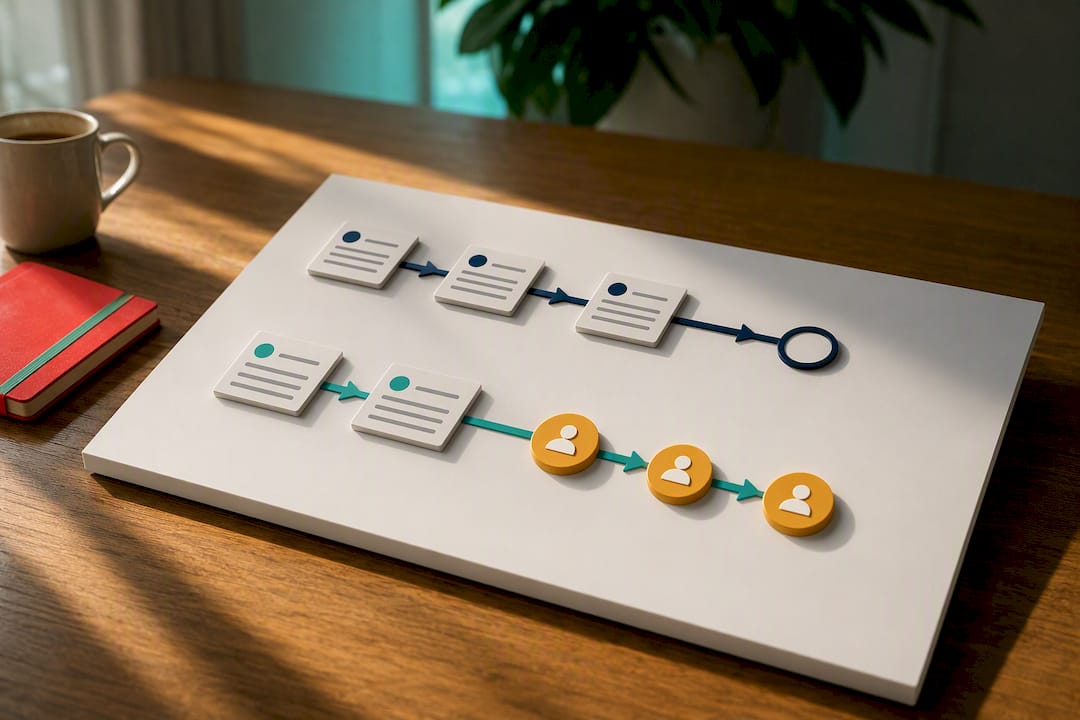
The real skill is knowing which alerts deserve your attention and which ones are just Google’s normal churn. Small teams don’t have capacity to check rankings daily, and they shouldn’t try. Set thresholds, automate the alerts, and spend your actual time on the two or three moves each month that line up with a real change in traffic or enquiries.
If you want a starting point rather than building this from scratch, run through the checklist above yourself first. When you’re ready for a second set of eyes, that’s what West Legacy Group is here for.
— Christopher
Get your tracking set up without hiring an analyst
Most small businesses either check rankings manually and inconsistently, or pay for enterprise software built for teams five times their size. There are services that offer affordable, managed setups providing Search Console integration, a starter keyword list, and a monthly report, often without a long-term contract.

Some starter packages cover the setup, a monthly report, and one concrete action plan based on what the data shows, so you’re not paying for numbers with no follow-up. That structure is built on The LEGACY Framework™, our approach to ongoing digital reporting for small businesses. If you’d rather build something yourself first, our self-service SEO plan builder is a straightforward place to start, and you can move to a managed plan whenever tracking starts eating more of your week than it should.
Where to check your rankings and read more
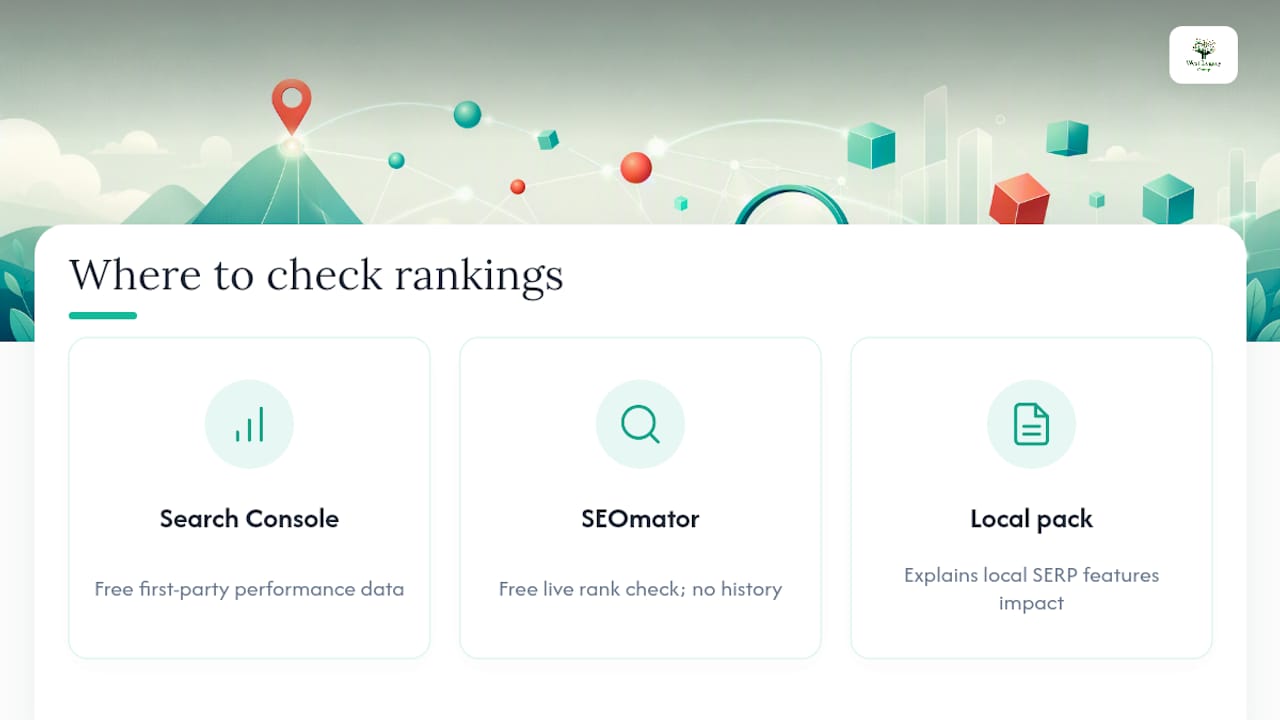
Start with Google Search Console for free, first-party performance data straight from Google. For a live position check without setting up an account, try SEOmator’s free rank checker, though it won’t store history for you. For background on how local SERP features affect your numbers, read our explainer on what a local pack means.
Sources
- Google Search Console
- Serpstracker — Google SERP tracker
- Ahrefs — Keyword rank checker
- Nightwatch — Rank tracker
FAQ
How do you track keyword rankings?
Connect Google Search Console to see your current impressions, clicks and average position, then add a rank tracker or SERP tracker to log daily or weekly changes and store history Search Console doesn’t keep.
Which keyword tracker is the best?
There’s no single best tool. Search Console is the strongest free source for your own site’s data, while paid tools like Ahrefs’ rank tracker or Nightwatch add competitor comparisons, device splits and daily SERP snapshots.
Is there a free tool that can check my keyword ranking?
Yes. Google Search Console is free and shows your actual position for real queries, and live checkers such as SEOmator’s rank checker give a quick one-off snapshot, though neither stores long-term trend data automatically.
What is a good keyword ranking?
It depends on intent: aim for top 3 on high-volume commercial terms, but first-page presence alongside a relevant SERP feature is often just as valuable for long-tail keywords closer to a purchase decision.
How often should I check my keyword rankings?
Daily tracking suits commercially important keywords where a drop costs you enquiries, while weekly checks are usually enough for long-tail or lower-priority terms.